AgentPort 3.1.30 Windows · 3.1.30 Apple Silicon preview
Use your chosen models in Codex.
Manage multiple Codex accounts, connect selected API providers including OpenRouter and NVIDIA NIM, and run supported local GGUF models from one desktop control centre.
A clear route from model choice to Codex.
Keep model setup understandable, whether you use a hosted provider or run a model on your own hardware.
- 01Add the providers you chooseConnect selected external models to Codex while keeping native GPT requests on Codex’s own route.
- 02Manage local models on WindowsInstall and control supported GGUF models on Windows. The Apple Silicon preview focuses on Codex and API providers.
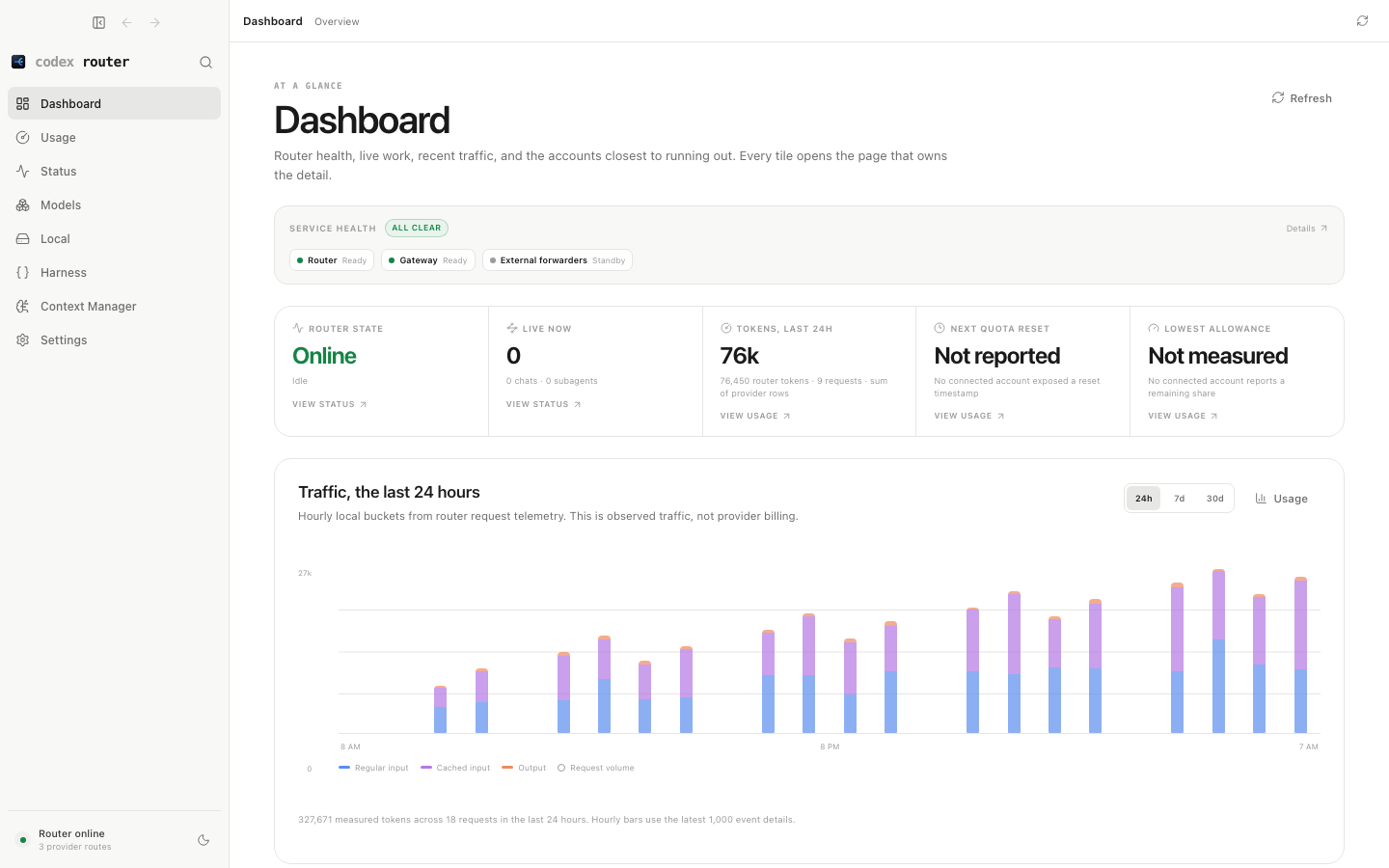
- 03See what is happeningReview provider connections, model availability, router health and recent usage in one desktop app.
From install to first request.
AgentPort runs locally and publishes the model choices you enable into Codex.
- Install AgentPort
Run the Windows installer, or open the Apple Silicon DMG and drag AgentPort into Applications.
- Connect and choose models
Open AgentPort, set up Codex, connect the providers you use, and enable the models you want.
- Choose the model in Codex
Select the published model in Codex. Restart Codex after changing its model list to refresh the picker.
Your accounts. Your existing chats.
In 3.1.30, model names identify their provider, and API Models sorts providers and model names A–Z, with free models first. Haiku requests now have a protective size limit before forwarding. Usage brings together each Codex subscription’s allowance, account management and performance details. Choose which saved subscription handles new messages without restarting Codex. API Models includes guided setup for OpenRouter and NVIDIA NIM.
- Add an account
Open Usage, expand Codex Accounts and choose Add Codex account. An account name is optional.
- Finish sign-in
Complete sign-in in your browser. Repeat for each subscription you use.
- Choose your subscription
AgentPort 3.1.30 offers Use this subscription in Codex Accounts. For a per-chat override, choose an account in Context Manager and press Apply. Running replies keep their original account.
The selected account must support the model. Live cross-account acceptance of account-scoped reasoning and uploaded files remains unverified. Read the release notes and compatibility details.
Install AgentPort.
Choose the Windows installer or Apple Silicon Mac preview. The Mac preview supports Codex and API providers, including OpenCode, with no Homebrew setup required.
- Download the installer
On Windows, run the .exe. On an Apple Silicon Mac, open the DMG and drag AgentPort into Applications.
- Open the Control Center
Follow the Codex setup in AgentPort and connect only the providers you intend to use.
- Refresh Codex
After adding or changing models, restart Codex so the model picker reloads.